My first mocked hardware app: a dice on a simulated board, then on a real one
Blog post #95
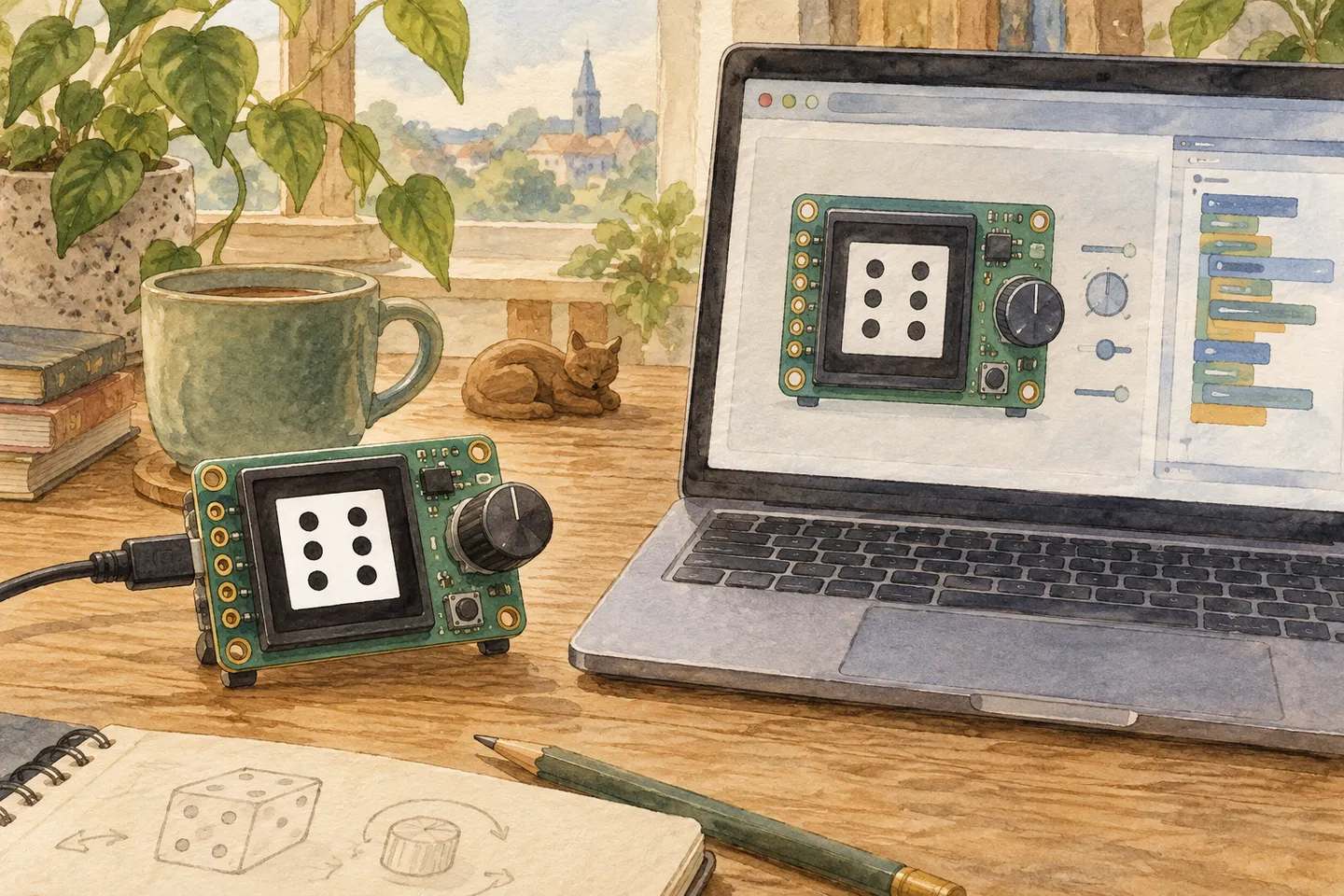
AI-generated illustration.
I have never built anything for hardware. No soldering, no microcontrollers, no flashing firmware. This week I built my first hardware app anyway, without touching a single component, and afterwards the same file ran on a real board.
The trick is Bench, a browser tool that mocks a small electronics desk. You pick a board and a display, add parts like a rotary encoder, a button or a slide pot, and write a small Lua app that runs on it right there in the browser.
What Bench is
- A simulated workbench. A 3D view of the board with its screen, and the parts you add on the desk next to it, wired up with dashed lines. Displays range from M5Stick and Waveshare ESP32 boards to tiny OLEDs, e-paper and LED strips.
- Lua apps for Resident. Each app is one Lua file with
init,on_tick(10 times per second) andon_event. The same file is meant to run on a real board with the Resident firmware. - Honest about limits. Bench shows how much memory the board has left for your app and warns when an app is too big or too slow for the chip. An ESP32-C6 has about 84 KB to receive, compile and run the app, and no floating point unit.
- Built for working with an AI. There is a button called Copy a prompt for Claude that writes a full brief: which board you have, which inputs are on the desk, the API, the rules and a link to a device skill file. The source is on GitHub.
What shipped
- A dice app. Turn the knob and the die changes face, 1 to 6 and around again, with the pips drawn on screen and the number underneath. Push the knob and it rolls: random faces flicker for under a second before it stops.
- It adapts to the screen. The app asks the display for its size instead of hard-coding it, so it works on the tall 172×320 Waveshare screen I tested on and on the other displays in Bench.
- Then it ran on real hardware. Since Bench mocks the same Lua surface as the real firmware, porting was not a rewrite. The file I tested in the browser is the file that runs on the board.
How it was built
- I opened Bench, asked Claude what it was, and asked for “a knob that spins and changes the dice on the screen”.
- Claude read the page, pulled the prompt from Copy a prompt for Claude, and read the device skill file to learn the API. The key part is that inputs are declared, not wired:
local face = dial.new("face", { min = 1, max = 6, step = 1, wrap = true, via = "encoder" })
local roll = trigger.new("roll", { via = "encoder-push", key = "Space" })
via = "encoder"asks for a rotary encoder, not a specific one. Which physical part drives it is set in Bench’s Connections panel, so the app works on any desk.- The whole app is about 50 lines. It only redraws when the knob moves, so it sits at 0 FPS when idle.
What’s working
- Going from “what is this site” to a running app took one conversation. Mocking the hardware first meant I could try things without being afraid of breaking anything.
- The prompt button is a good idea. The site tells the AI what it needs to know instead of me explaining it.
What’s unclear or broken
- The first version had a bug: after a roll, the die jumped back to the knob’s value. The fix was to track how many steps the knob moved since the last tick instead of reading its absolute value.
- At first I thought the app was blinking. It was not. It was the Claude in Chrome extension highlighting the tab while it worked in it.
Decisions made
- Mock first, hardware second. For someone who has never built hardware, this order removes most of the fear. When the app is right in the simulator, the board is just the last step.
— Stefan