Edwin built his own smartwatch, app store included
Blog post #100
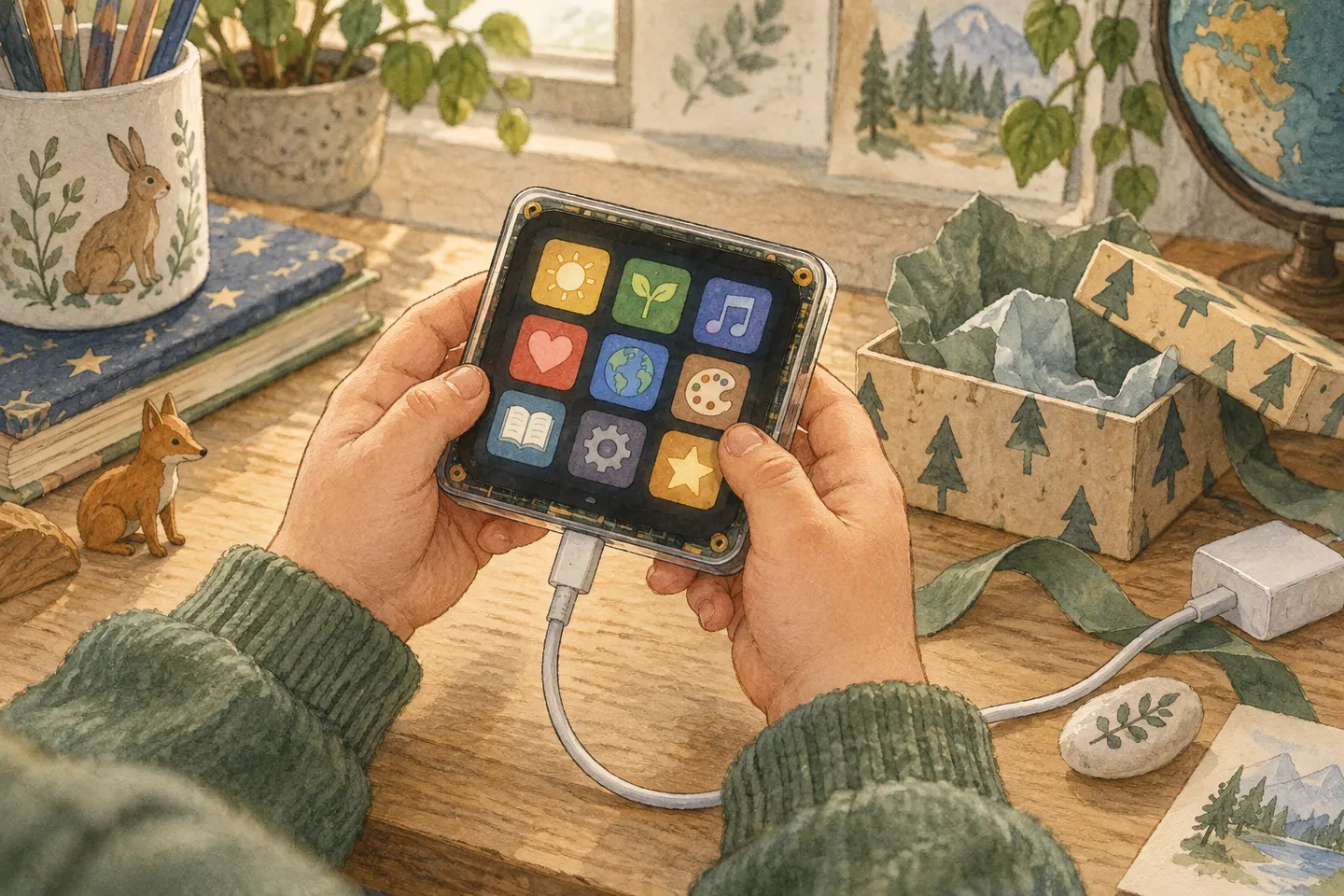
AI-generated illustration.
A few days ago I built my first hardware app, a dice on a simulated board. Today it was Edwin’s turn. I asked him what he wanted to build, and he didn’t hesitate: a watch. A smartwatch. And you should be able to download lots of apps to it.
He talked, I typed. It took him about three minutes to describe it. Then Claude spent about ten minutes building it, first in Bench, the browser simulator for ESP32 boards, and then on the real Waveshare board with a 2-inch touch screen that sits on our desk.
And it worked. That’s the part I keep coming back to.
What Edwin asked for
- A watch. It should show the time, like a real one.
- An app store. You should be able to download lots of apps to it.
- It should need charging. He added this halfway through: the battery runs out, and the watch comes with a charger.
- It should be a smartwatch. Not a clock app. A watch.
- Volume control. He wanted to choose how much sound it makes.
- Start from scratch. No apps from the beginning, and no battery. He wanted to unpack it, charge it and fill it himself.
What shipped
- An unboxing. The first thing the watch shows is a gift box that says “A package for Edwin!”. Tap it and the box opens: one watch, one charger.
- An empty battery. Then the screen goes black: the battery is dead. You tap the charger on the screen, or hold the button, and the watch charges with a lightning bolt and a percentage. About 40 seconds to full.
- A watch face. Big digital time, the date in Swedish, a seconds bar, the battery level, and shortcuts to the first apps you’ve downloaded.
- An app store with ten apps. Stopwatch, dice, flashlight, step counter, heart rate, drawing, a balloon popping game, a spirit level, a piano and a weather app. You tap Download, watch the percentage climb, and the app lands on the home screen.
- The battery drains. Faster with the flashlight on, and while something is downloading. At 10% it warns you. At 0% it’s dead until you charge it again.
- A sound app. Five levels, from off to max.
What’s working
- The joy. Edwin went from nothing to his very own smartwatch in a quarter of an hour. It started with zero apps, and he got to choose: a game first, then tools, then the step counter. Watching him pick what to download onto something he had dreamed up himself was the best part of my day.
- The pride, his and mine. He described a product, with features and an order to them, and then he held it. I don’t think I’ve seen him that proud of something on a screen before. I was just as proud of him.
- Real hardware makes it real. The same Lua file runs in the browser and on the board. A watch in a browser tab is a demo. A watch on a physical board you can touch is his.
What’s unclear or broken
- The board has no buzzer. The sound app works in Bench, but the real board is silent. Volume is also faked: the buzzer can’t play softer, so the levels change how long each beep is. Short clicks sound quieter.
- The board only has one button. In Bench the charger can be its own button on the desk. On the real board you hold the one button, or tap the battery icon.
- The board’s clock runs on UTC. The watch now works out Swedish time itself, summer time included.
Tooling & process
- Kids as product owners. Edwin never saw the code. He saw the watch and said what should change. “It should be charged, and it comes with a charger.” “It should be like a smartwatch.” “It should start from the beginning with no battery.” Each of those became a change a few minutes later.
- Bench first, board second. Everything was tested in the simulator before it went to the board, and Claude clicked through every app there to check that nothing crashed.
What’s next
There will be more hardware in this family. Edwin has a watch now, and I have a feeling the others will want their own things too.
— Stefan